YouTube Create
Easy-to-use video editing app with filters, music, and auto-captions for creating engaging YouTube videos.
Screenshots
Overview
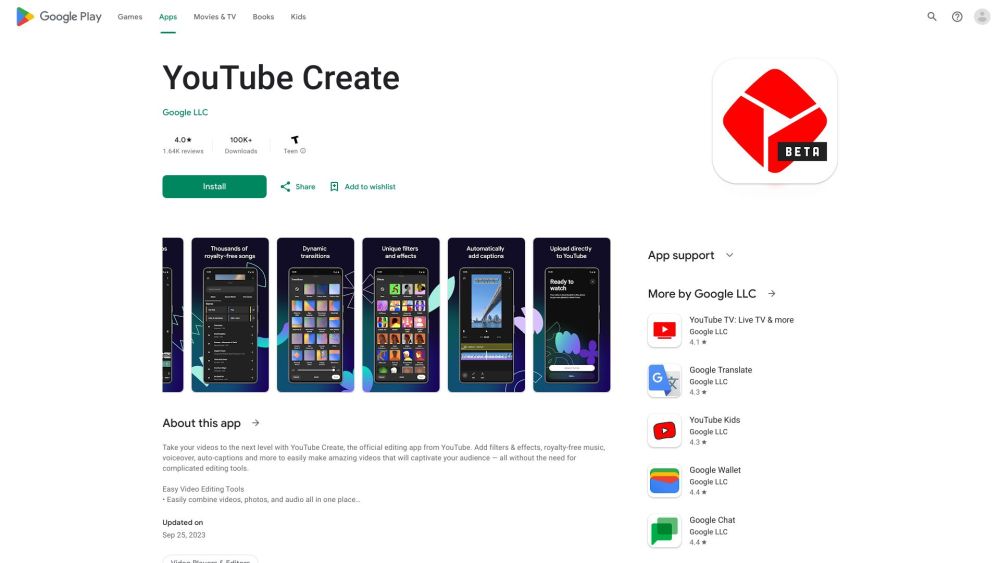
YouTube Create is an easy-to-use video editing app designed to help users create amazing videos without the need for complicated editing tools. It offers features like filters, effects, royalty-free music, voiceover, and auto-captions to captivate audiences. The app allows users to combine videos, photos, and audio, trim clips, add transitions, adjust video speed, and more.
How to Use
Users can easily combine videos, photos, and audio in the app. They can trim, clip, and crop video clips, add transitions, adjust speed, add captions, remove background noise, incorporate music and sound effects, record voiceovers, apply filters and effects, and add stickers and fonts. Finally, they can resize the video for different aspect ratios and upload directly to YouTube.
Core Features
Use Cases
- 1 Creating engaging YouTube videos with filters, music, and captions.
Frequently Asked Questions
Create
What are the minimum requirements to use YouTube Create?
Can I add captions to my videos automatically?
Is YouTube Create free to use?
Quick Info
- Category
- Music & Audio
- Subcategory
- AI Noise Cancellation
- Added on
- Sep 27 2023
- Monthly Visits
- --
- Rating
- 5.0 / 5.0
- Saved
- 9