CapCut
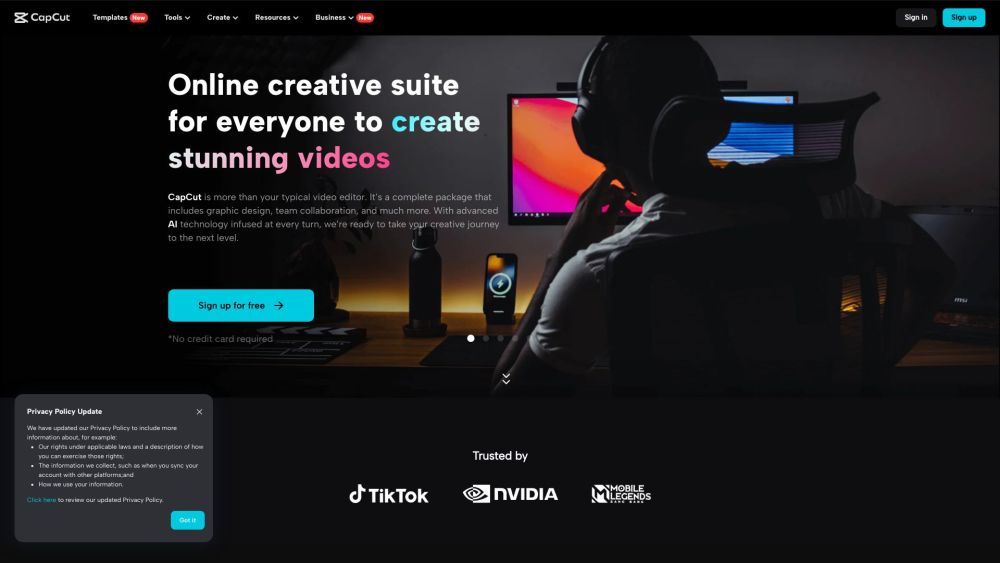
CapCut is an AI-driven all-in-one video editor and graphic design tool.
Screenshots
Overview
CapCut is an all-in-one video editor and graphic design tool driven by AI. It offers a range of products including desktop and mobile video editors, and an online creative suite. CapCut provides various video and audio editing tools, text and asset options, and AI magic tools to enhance video creation. It also offers solutions for creativity, lifestyle, and marketing & business needs, along with resources and editing tips.
How to Use
To use CapCut, you can download the desktop or mobile app, or use the online creative suite. Choose the desired tool or feature, such as video editing, text-to-speech, or AI video generation, and follow the on-screen instructions to create and edit your content.
Core Features
Use Cases
- 1 Creating TikTok videos
- 2 Making YouTube videos
- 3 Designing Instagram Reels
- 4 Producing marketing and business videos
- 5 Creating lyric videos
- 6 Making photo videos
- 7 Generating AI avatars
- 8 Restoring old photos
Frequently Asked Questions
What platforms does CapCut support?
Does CapCut offer AI-powered tools?
Is CapCut free to use?
Quick Info
- Category
- Voice Generation & Conversion
- Subcategory
- AI Text-to-Speech
- Added on
- Dec 25 2023
- Monthly Visits
- 52.5M
- Rating
- 5.0 / 5.0
- Saved
- 70