Merlin: 1-click access to Powerful AI Plugins
All-in-one AI assistant powered by GPT-4 for various tasks.
5.0
Rating
17
Saved
Screenshots
Overview
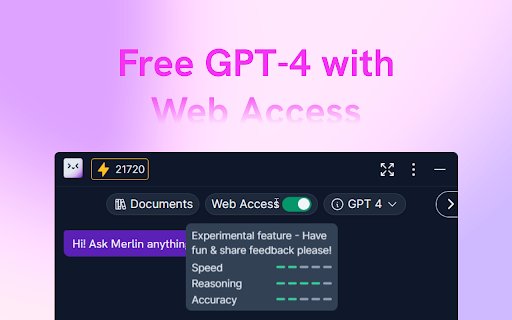
Merlin is an All-in-One AI Assistant powered by GPT-4 that enhances your workflow with AI. It helps summarize videos, scrape websites, respond to emails, and grow your social media presence. It offers features like AI Chat, copywriting assistance, ChatPDF, WebChat, social media content generation, search enhancement, web access, AI email replies, YouTube video summarization, and AI Art generation.
How to Use
Click the 'Add to Chrome' button and pin it to your toolbar. Log into your account. Press Cmd/Ctrl+M to activate Merlin. Get started with AI!
Core Features
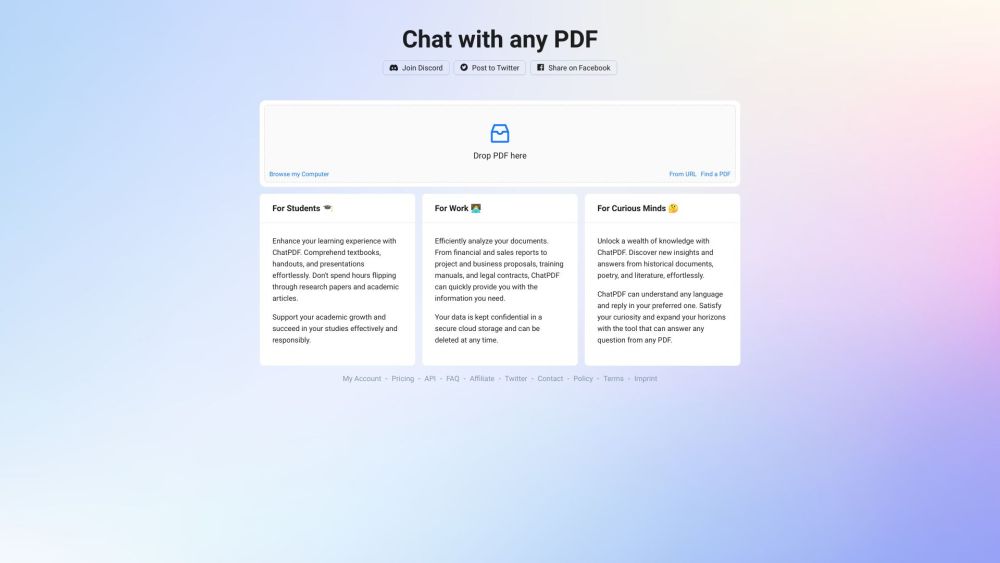
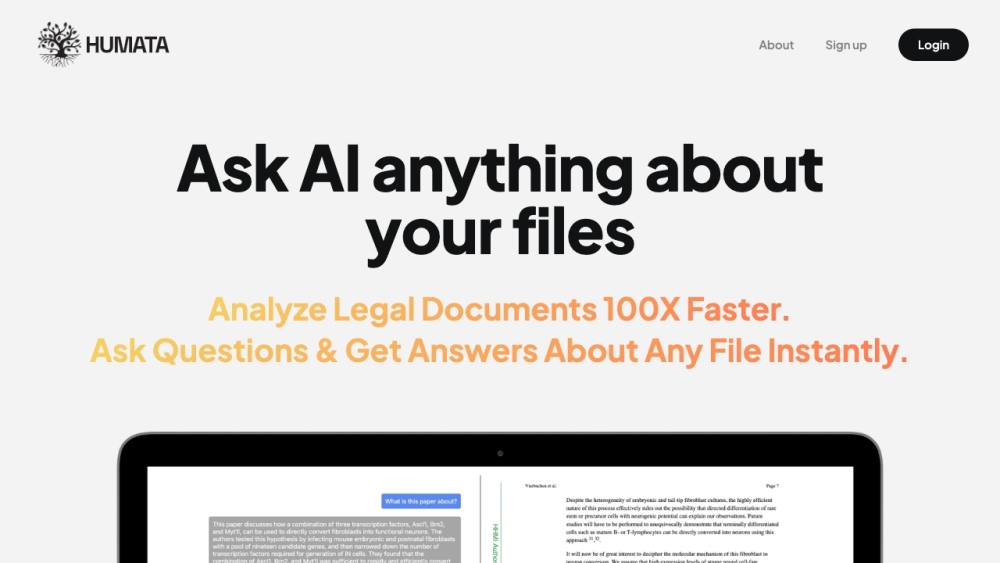
AI Chat Copywriting ChatPDF WebChat Social Media Content Generation Search Enhancement Web Access AI Email Replies YouTube Video Summary AI Art
Use Cases
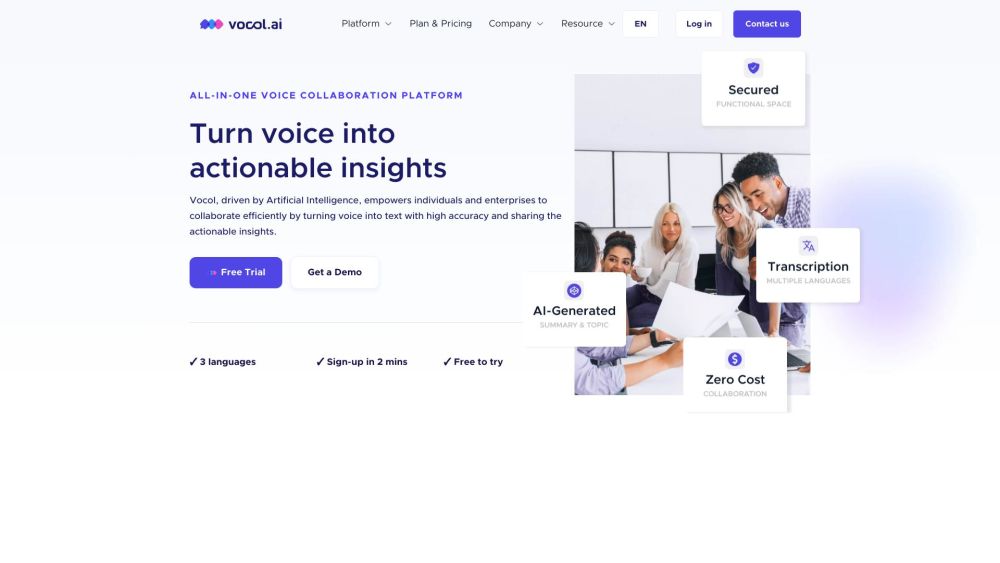
- 1 Summarizing YouTube videos
- 2 Generating social media content
- 3 Creating ad copies
- 4 Chatting with PDFs
- 5 Summarizing website content
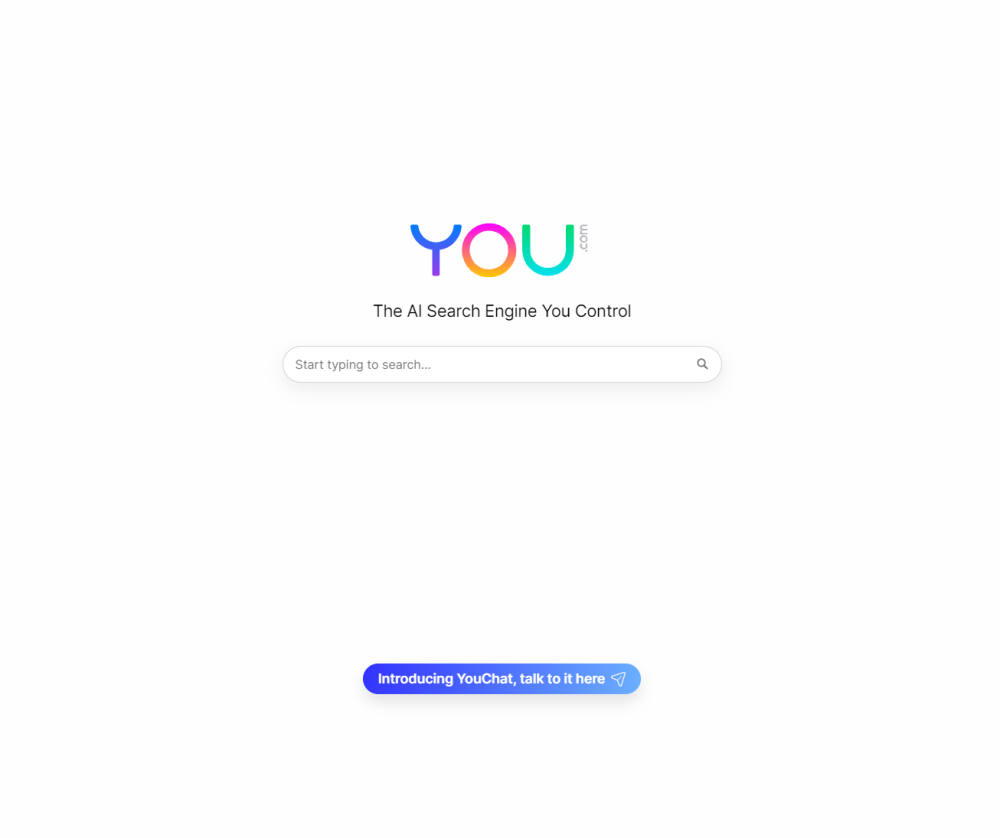
- 6 Enhancing search results with AI answers
- 7 Generating AI art from text
Frequently Asked Questions
1-click access to Powerful AI Plugins
For details, please visit the official website of Merlin: 1-click access to Powerful AI Plugins.
What search engines are supported by Merlin?
For details, please visit the official website of Merlin: 1-click access to Powerful AI Plugins.
Do I need a ChatGPT/OpenAI account to use Merlin?
For details, please visit the official website of Merlin: 1-click access to Powerful AI Plugins.
Is Merlin free to use?
For details, please visit the official website of Merlin: 1-click access to Powerful AI Plugins.
Is Merlin available in all countries?
For details, please visit the official website of Merlin: 1-click access to Powerful AI Plugins.
Quick Info
- Category
- Writing & Editing
- Subcategory
- AI Summarizer
- Rating
- 5.0 / 5.0
- Saved
- 17