pdf → gpt
Tool to summarize large PDFs using GPT by auto-chunking and providing detailed summaries.
5.0
Rating
17
Saved
--
Visits/mo
Overview
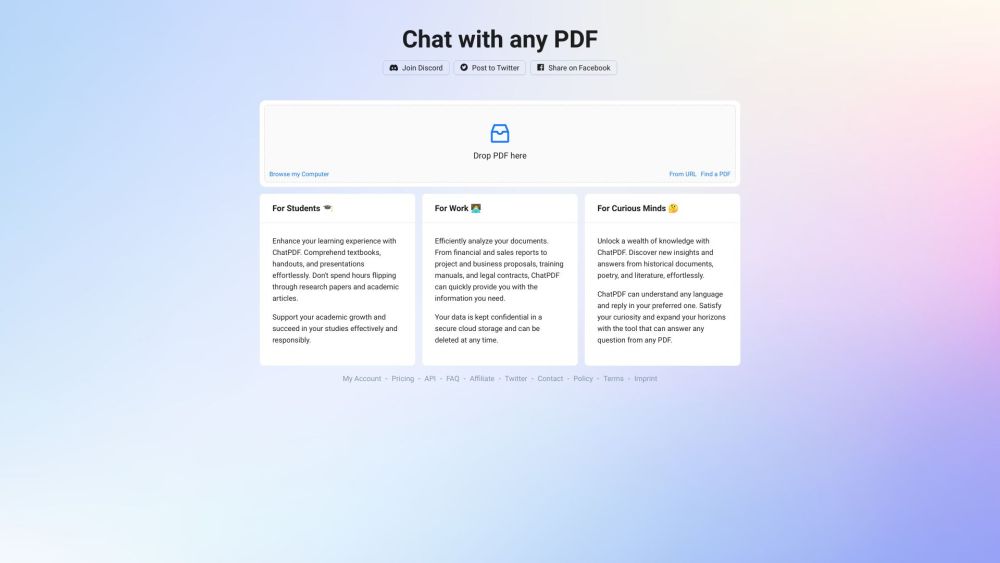
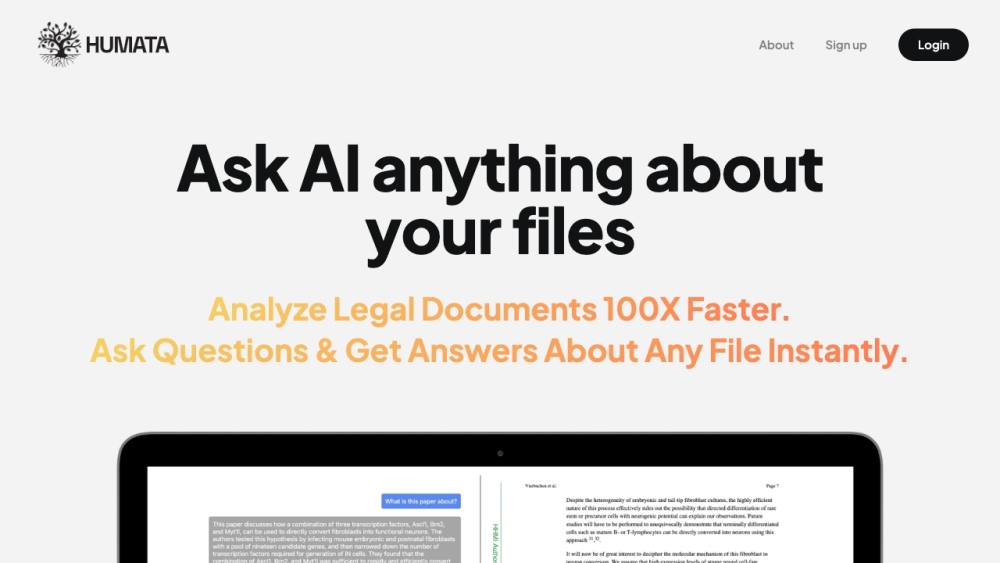
pdf → gpt is a tool that allows users to summarize large PDFs using GPT. It automatically breaks PDFs into chunks to fit within the GPT context limit, enabling users to get a summary or ask specific questions about the PDF content. The tool uploads the entire document to GPT, providing more detailed summaries, including an overall summary, a table of contents, and a summary of each section.
How to Use
How to use pdf → gpt? To use pdf → gpt, upload a PDF file or paste a URL. You can then ask a specific question about the PDF or request a summary. The tool will process the PDF and provide the requested information.
Core Features
pdf → gpt's Core Features Automatic PDF chunking to fit GPT context limits Summarization of large PDFs Question answering about PDF content Detailed summaries including overall summary, table of contents, and section summaries Support for uploading files or pasting URLs
Use Cases
- 1 pdf → gpt's Use Cases
- 2 Summarizing research papers
- 3 Understanding legal documents
- 4 Quickly grasping the content of large reports
- 5 Extracting key information from textbooks
Frequently Asked Questions
→ gpt What does pdf → gpt do? How do I use pdf → gpt? Does pdf → gpt support large PDFs?
For details, please visit the official website of pdf → gpt.
Quick Info
- Category
- Writing & Editing
- Subcategory
- AI Text Generator
- Added on
- Jun 04 2023
- Monthly Visits
- --
- Rating
- 5.0 / 5.0
- Saved
- 17