ai-cli
GPT-3 powered CLI tool for command explanations.
5.0
Rating
1
Saved
--
Visits/mo
Screenshots
Overview
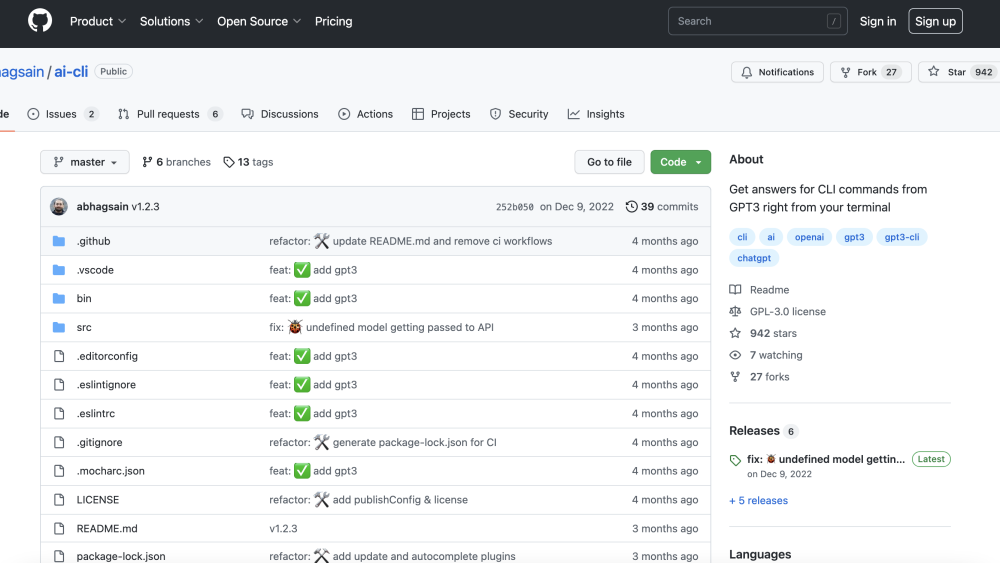
ai-cli is an open-source GPT-3 powered command-line interface (CLI) tool that allows users to get answers for CLI commands directly from their terminal. It leverages the OpenAI GPT-3 model to provide explanations and usage examples for various command-line tools and utilities.
How to Use
How to use ai-cli? Install the tool globally using npm (npm i @abhagsain/ai-cli -g). Configure your OpenAI API key using 'ai auth'. Then, use commands like 'ai ask [question]' to get answers, 'ai autocomplete [SHELL]' to set up shell autocompletion, and 'ai help [COMMAND]' for command-specific help.
Core Features
ai-cli's Core Features GPT-3 powered command explanations Shell autocompletion OpenAI API key authentication Model preference selection CLI updates
Use Cases
- 1 ai-cli's Use Cases
- 2 Quickly find the correct syntax for a command.
- 3 Understand the purpose and usage of unfamiliar commands.
- 4 Troubleshoot command-line errors.
- 5 Automate command-line tasks with AI assistance.
Frequently Asked Questions
How do I install ai-cli?
For details, please visit the official website of ai-cli.
How do I authenticate with OpenAI?
For details, please visit the official website of ai-cli.
How do I get help for a specific command?
For details, please visit the official website of ai-cli.
How do I ask a question about a command?
For details, please visit the official website of ai-cli.
Quick Info
- Category
- Writing & Editing
- Subcategory
- AI Text Generator
- Added on
- Mar 07 2023
- Monthly Visits
- --
- Rating
- 5.0 / 5.0
- Saved
- 1