Dubbing AI
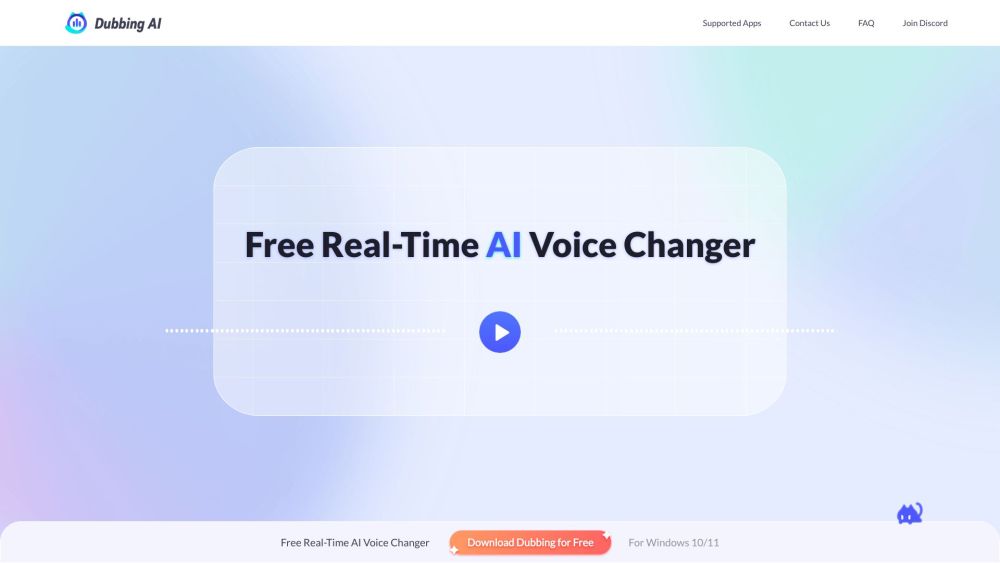
Real-time AI voice changer for gaming, streaming, and meetings with soundboard.
Screenshots
Overview
Dubbing AI is a real-time AI voice changer for gamers and streamers that allows users to change their voice to any character while retaining emotions, intonations, and delivery. It offers AI-powered voice modulation, a soundboard with meme sound clips, and compatibility with various apps like Discord, Zoom, and OBS. Dubbing AI also provides tools like a vocal remover, instrumental remover, voice recorder, and audio converter.
How to Use
1. Download Dubbing AI and configure it by selecting your microphone as the input device. 2. Access the Voicebox menu to choose voice filters. 3. Turn on the "Voice Changer" toggle. 4. Demo your voice with the "Hear Myself" toggle. 5. Select "Microphone (Dubbing Virtual Device)" as the input in your desired application.
Core Features
Use Cases
- 1 Change voice in games like League of Legends, Valorant, and Fortnite
- 2 Spice up streaming with meme soundboard
- 3 Secure identity in meetings and calls
- 4 Create creative content in real-time for live streams
- 5 Transform voice on mobile devices
Frequently Asked Questions
Can I use Dubbing AI Voice Changer for free?
How many voices does Dubbing AI Voice Changer have?
How to set up Dubbing AI Voice Changer with your app/web-based app?
How many languages does Dubbing AI Voice Changer support?
What apps or games does Dubbing AI Voice Changer support?
Quick Info
- Category
- Voice Generation & Conversion
- Subcategory
- AI Voice Generator
- Added on
- Nov 29 2023
- Monthly Visits
- 474.5K
- Rating
- 5.0 / 5.0
- Saved
- 14