EzEditor AI - Free Photo Edit
Unlimited free AI photo editor. Remove backgrounds, upscale to 4K & erase objects. No watermark & no sign-up.
Screenshots
Overview
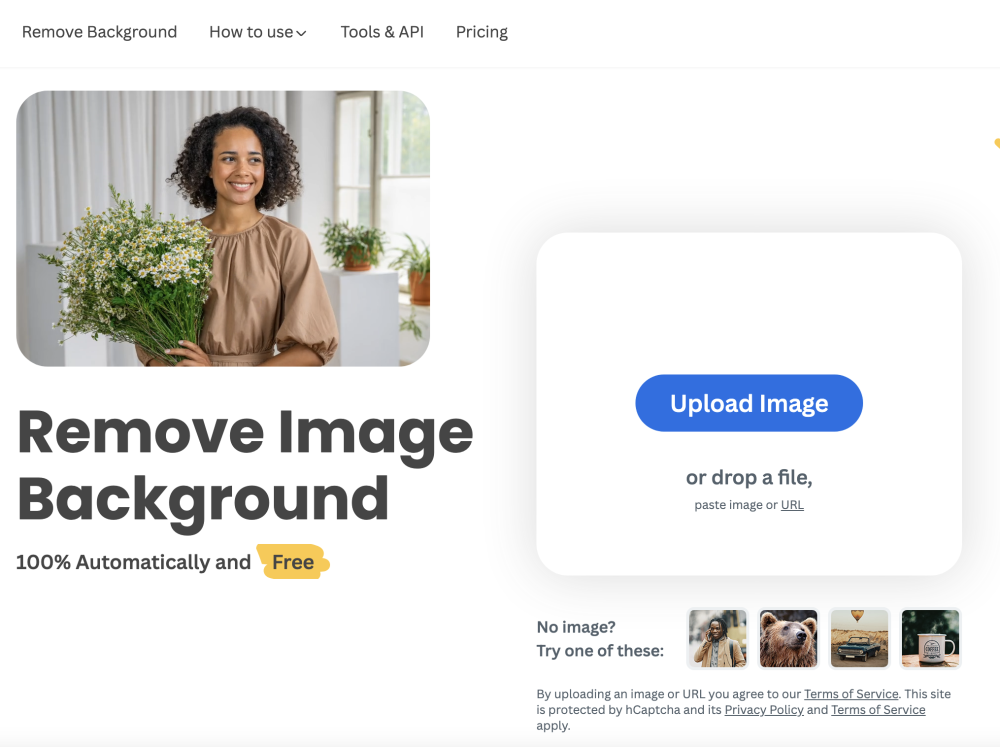
EzEditor AI is a completely free, unlimited AI photo editing suite designed for e-commerce and content creation. It runs directly in your browser with no sign-up required. Unlike other tools that limit your daily credits or add watermarks, EzEditor AI offers: AI Magic Remove: Instantly remove backgrounds from any image with pixel-perfect precision. 4K Image Upscaler: Enhance low-resolution or blurry photos up to 4x quality using advanced AI. Magic Eraser: Remove unwanted objects, text, and watermarks cleanly using in-painting technology. Privacy First: No account needed. Images are processed securely and deleted automatically. Perfect for Amazon/Shopify sellers, designers, and anyone needing quick, professional photo edits without the monthly subscription fees.
How to Use
To use EzEditor AI, follow these three simple steps: 1. Upload Your Image: Choose any image from your device, supporting formats like JPG, PNG, and WebP. 2. Edit with AI Tools: Select from the powerful editing tools available or describe the changes you want. The online editor will apply your edits instantly. 3. Download & Share: Save your edited image in high resolution and share it directly to social media or use it in your projects.
Core Features
Use Cases
- 1 Social Media Content Creation: Create engaging thumbnails and posts for Instagram, TikTok, and YouTube without watermarks.
- 2 E-Commerce Product Photography: Instantly remove backgrounds and create white-background product photos for Amazon & Shopify.
- 3 Marketing Visuals: Design professional ad creatives and banners for social media campaigns with zero design skills.
- 4 Educational Materials: Teachers and students can create clear, watermark-free diagrams and presentations.
- 5 Blog & SEO Content: Optimize article images and remove distractions to improve reader engagement.
- 6 Background Removal & Compositing: Isolate subjects instantly to create transparent PNGs for design projects.
- 7 Non-Designer Friendly: A zero-learning-curve tool for anyone who needs professional edits without Photoshop.
- 8 Developers & Indie Hackers: Quickly generate assets for landing pages and apps without waiting for a designer.
Frequently Asked Questions
AI - Free Photo Edit
Is EzEditor AI really 100% free?
Will my downloaded images have a watermark?
Do I need to create an account to use the tools?
Is it safe? What happens to my uploaded images?
Can I use the edited images for commercial purposes?
How does the Unlimited AI Background Remover work?
What is the maximum image resolution for the AI Upscaler?
Does EzEditor AI work on mobile phones?
What file formats do you support?
How does this compare to paid tools like Canva or Photoshop?
Quick Info
- Category
- Image Generation & Editing
- Subcategory
- Gender Swap AI
- Added on
- Jan 04 2026
- Monthly Visits
- 27.5K
- Rating
- 5.0 / 5.0