AI Formatter
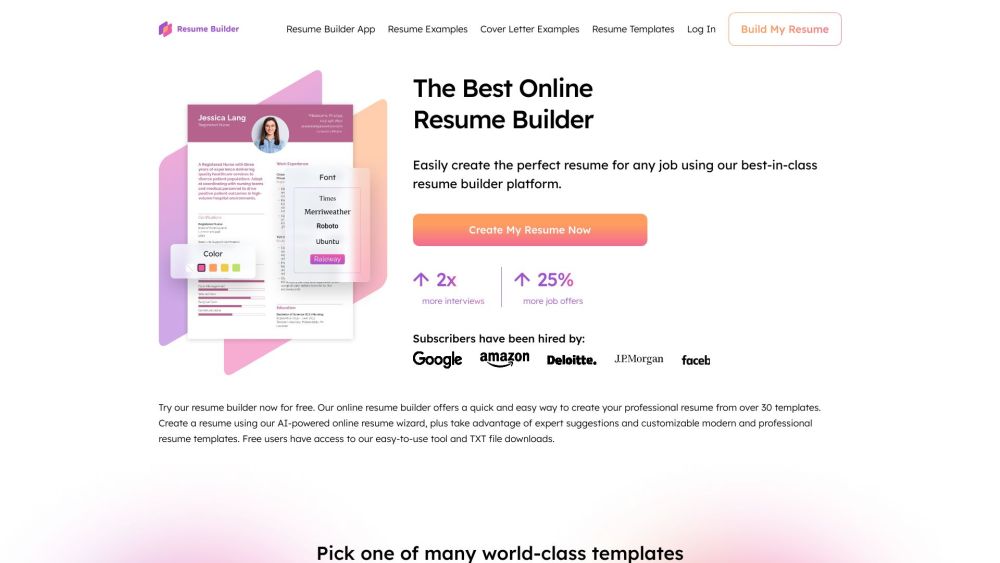
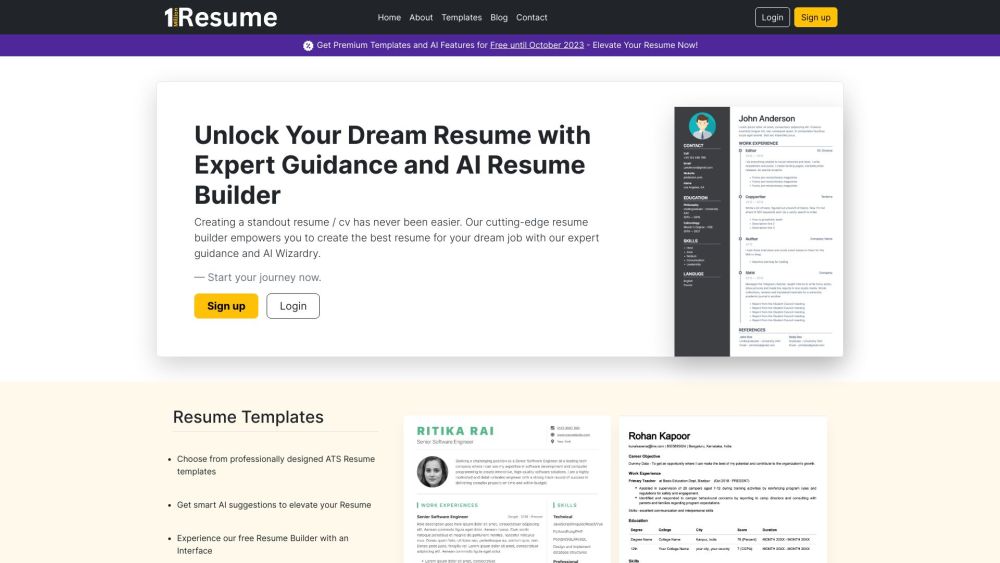
**AI Formatter** is a cutting-edge AI-powered document formatting platform that revolutionizes how professionals, job seekers, and businesses create polished documents. Transform raw text and uploaded files into professionally formatted documents instantly with AI-powered formatting technology and access to over 100+ premium templates.
Screenshots
Overview
AI Formatter is a comprehensive AI-powered SaaS platform specializing in: - **AI Document Formatter**: Transform any document into professional formats instantly - **Resume Formatter**: ATS-optimized resume formatting with 50+ professional templates - **AI Cover Letter Generator**: Create compelling, personalized cover letters automatically - **Meeting Agenda Formatter**: Professional meeting templates for every business scenario ### **Core Technology Stack** - Advanced AI formatting algorithms powered by cutting-edge language models - Real-time online document editor with full customization capabilities - Multi-format support (PDF, Word, TXT input | PDF, Word, HTML output) - Cloud-based processing with instant results - ATS (Applicant Tracking System) optimization for job-seeking documents ### **Key Differentiators** - 100+ professionally designed templates across multiple document categories - One-click AI formatting that maintains content while enhancing presentation - Real-time visual editor for post-AI adjustments - Shareable document links for easy collaboration - Version history and export tracking for project management
How to Use
### **Step 1: Upload or Input Content** - **Upload files**: Drag and drop existing documents in Word (.docx), PDF, or text (.txt) formats - **Paste text**: Directly paste raw, unformatted text into the editor - **Manual input**: Type your content directly into the platform - Maximum supported length: 10,000 characters per document ### **Step 2: Select Template (Optional)** - Browse 100+ professional templates organized by category - Filter templates by: - Document type (Resume, Cover Letter, Meeting Agenda, Business Report) - Industry (Tech, Healthcare, Finance, Creative, etc.) - Style (Modern, Classic, Minimalist, Executive) - Preview templates before selection - All templates are ATS-optimized and professionally tested ### **Step 3: AI Formatting** - Click "Start Formatting" to activate AI processing - AI analyzes your content structure and applies professional formatting - Processing typically completes in 5-10 seconds - AI automatically: - Optimizes typography and spacing - Creates consistent hierarchies - Enhances readability - Maintains content integrity - Applies template design rules ### **Step 4: Edit & Customize (Optional)** - Use the built-in online editor to make adjustments - Modify: - Text content - Font styles and sizes - Colors and themes - Layout and spacing - Section arrangements - Real-time preview of all changes - Undo/redo functionality for safe editing ### **Step 5: Download & Share** - **Download**: Export in multiple formats (PDF, Word, HTML) - **Share**: Generate secure shareable links with customizable permissions - **Save**: Documents automatically to your history for future access - **Re-edit**: Return to any previous document for updates
Core Features
Use Cases
- 1 **Resume Creation**: Transform raw career information into ATS-optimized professional resumes
- 2 **Cover Letter Writing**: Generate personalized cover letters that match resume styling
- 3 **Application Optimization**: Ensure documents pass ATS screening systems
- 4 **Meeting Preparation**: Create professional meeting agendas with structured formats
Frequently Asked Questions
Formatter
What is AI Formatter and how does it work?
Is AI Formatter really free to use?
What document types can AI Formatter handle?
Do I need to install any software?
Are the resume templates ATS-friendly?
Quick Info
- Category
- Writing & Editing
- Subcategory
- Resume AI
- Added on
- Oct 12 2025
- Monthly Visits
- 45.8K
- Rating
- 5.0 / 5.0
- Saved
- 1